GlassNotes
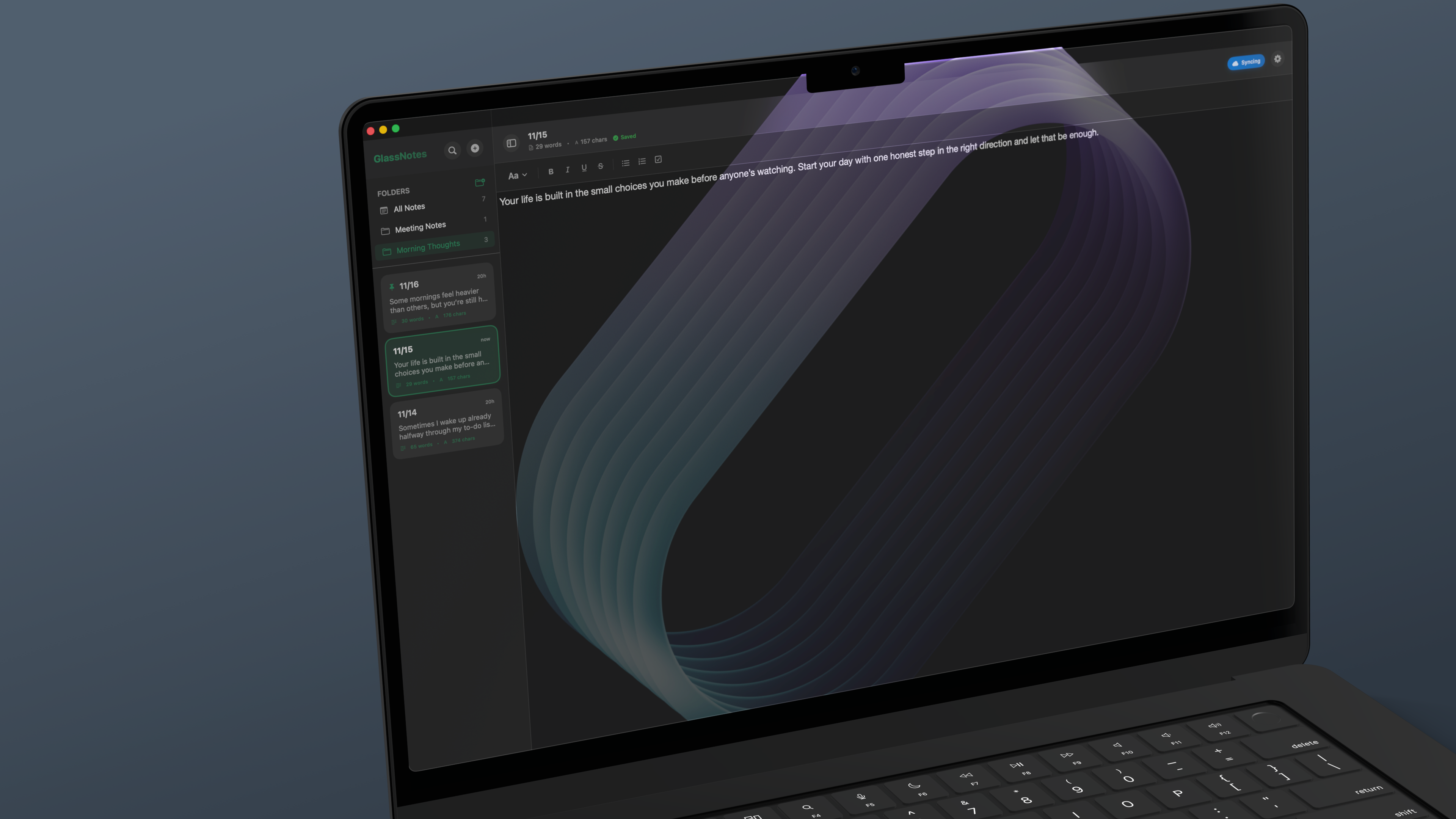
Beautiful notes for Mac
Distraction-free writing with customizable themes, clickable checkboxes, and effortless iCloud sync.
Beautiful notes for Mac
Distraction-free writing with customizable themes, clickable checkboxes, and effortless iCloud sync.
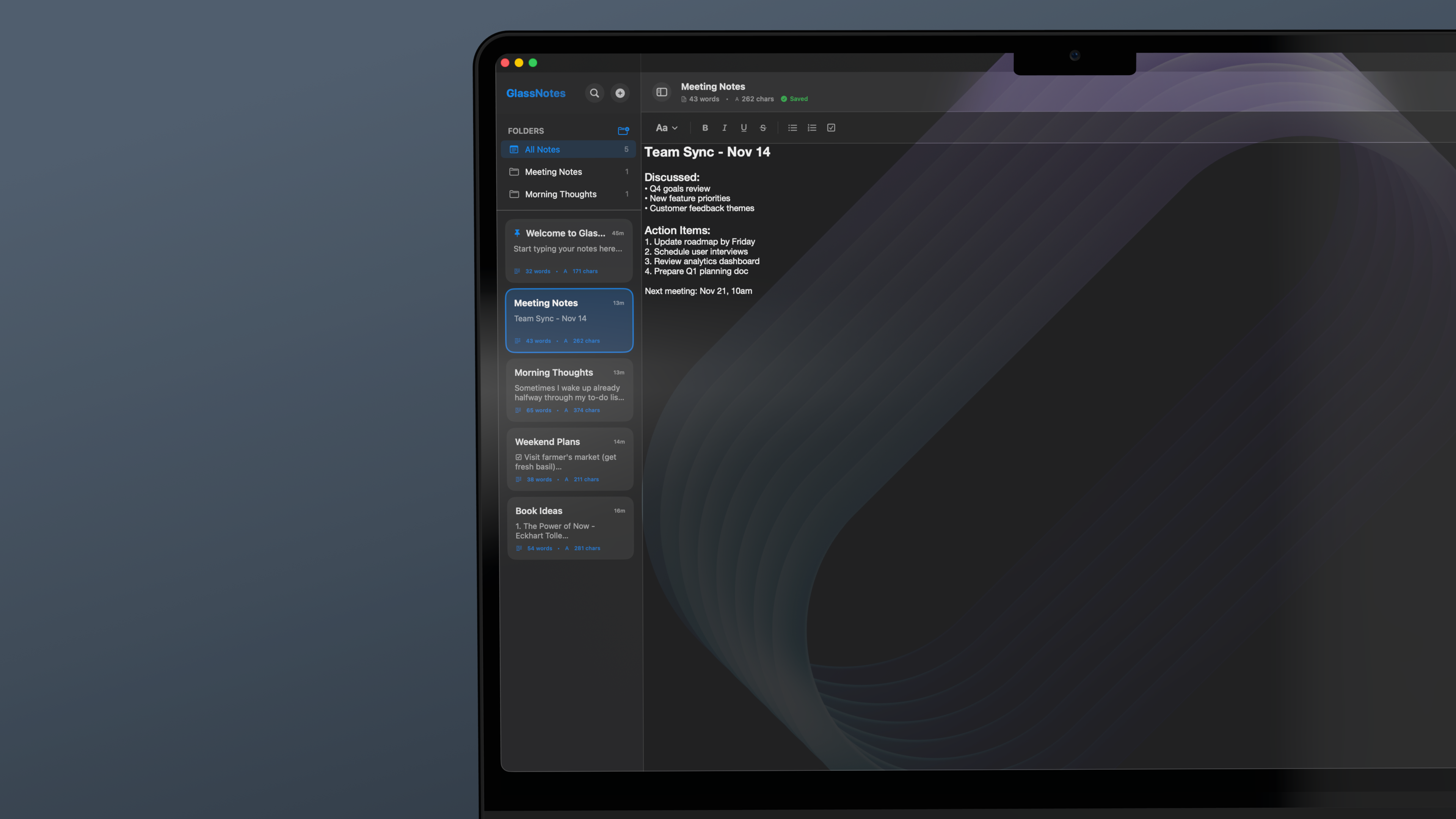
Create folders to organize your notes. Pin important items to the top. Everything you need to keep your thoughts structured and accessible.
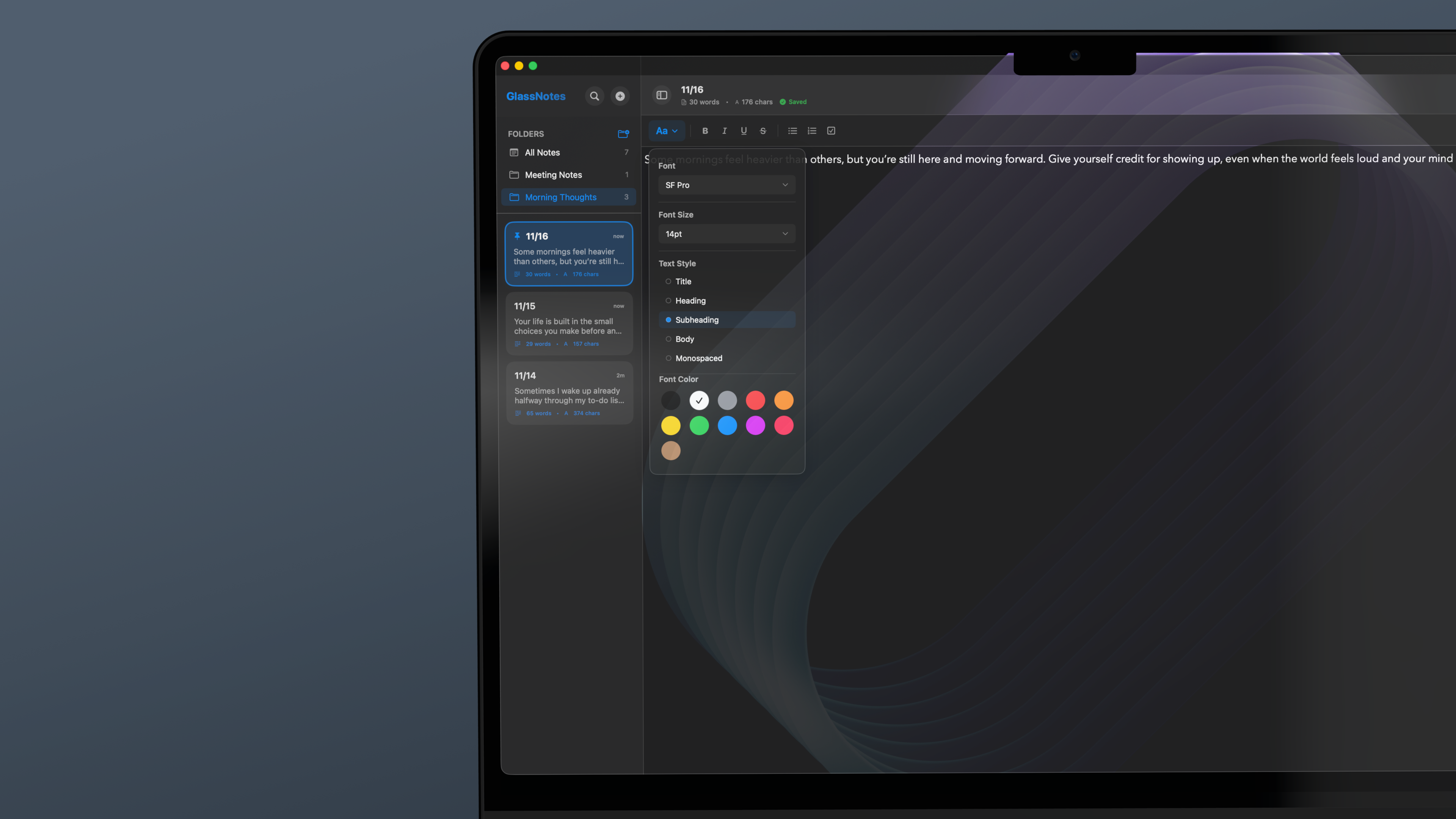
Choose from 5 beautiful fonts, 11 size options, and custom text styles. Color your text with 11 vibrant options. Your notes, your style.
Choose from Ocean, Forest, or Sunset themes. Adjust transparency to match your desktop. Make GlassNotes truly yours.
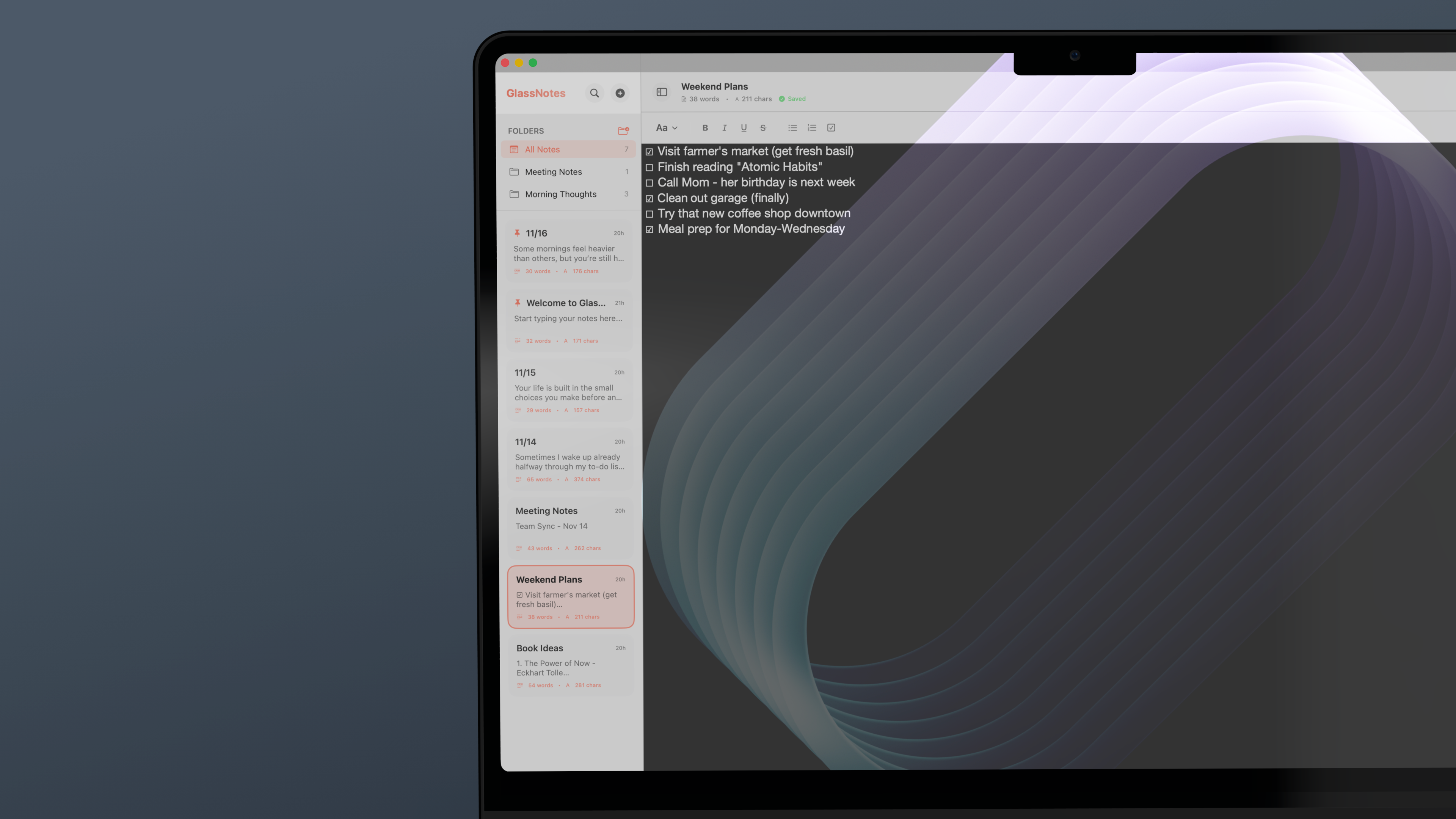
Organize notes into folders and pin your most important items to the top. Keep everything structured exactly how you want it.
Choose from 5 fonts, 11 sizes, and multiple text styles. Color your notes with 11 beautiful options. Make every note uniquely yours.
Your notes sync automatically across all your Macs. Start on your MacBook, finish on your iMac. Everything stays in perfect sync.
Create task lists with checkboxes that actually work. Click to check off items. Press Enter to continue. Simple and satisfying.
Your notes stay on your device and in your iCloud. We don't collect, store, or analyze your personal data. Ever.
Built with SwiftUI specifically for macOS. Lightning fast, beautiful, and designed to feel like it belongs on your Mac.
Some prefer dark. Some prefer light. Whatever style you like, it's your choice.
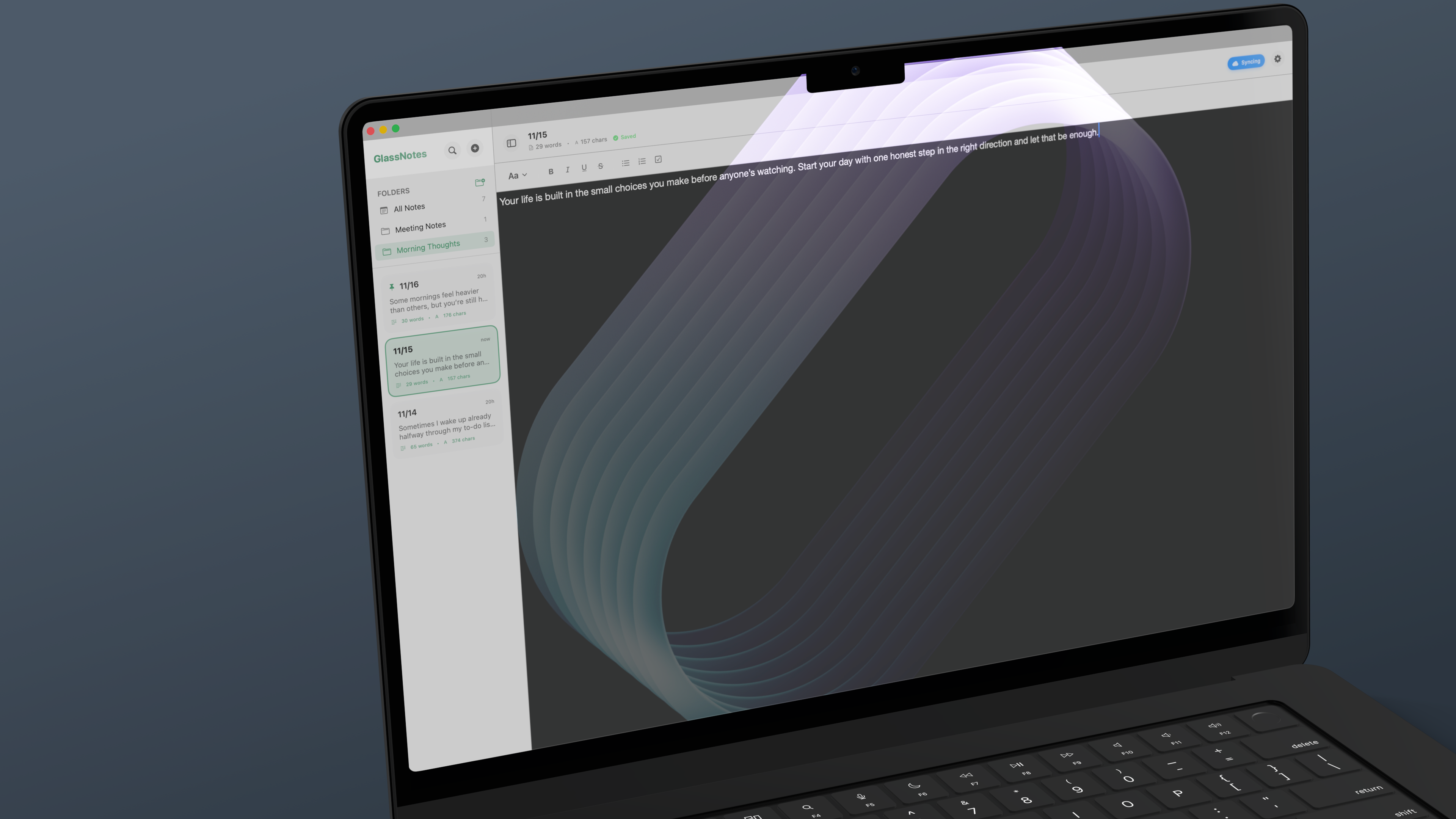
Ocean
Forest
Sunset
Click the theme icon in the toolbar, then choose from Ocean, Forest, or Sunset. You can also adjust window transparency and background blur to customize the look.
GlassNotes automatically syncs your notes across all your Macs using iCloud. Just make sure you're signed into the same iCloud account on each device. Your notes sync in real-time.
Type a checkbox using the checkbox button in the toolbar or use the keyboard shortcut. Click any checkbox to toggle it. Press Enter after a checkbox to automatically create another one.
Absolutely. Your notes stay on your device and in your personal iCloud account. GlassNotes doesn't collect, store, or analyze any of your data. Read our Privacy Policy for details.
Yes! GlassNotes automatically switches between light and dark modes based on your macOS system appearance settings. Both modes look beautiful.
GlassNotes requires macOS Monterey (12.0) or later. It's built with SwiftUI to take advantage of the latest macOS features.
Email me directly at [email protected]. I read every message and love hearing from users!
GlassNotes is free during the beta period. Pricing for the final release hasn't been determined yet, but beta testers will get special early access benefits.
Get full access while we perfect the experience
Your notes stay on your device
Access across all your Macs
Built with SwiftUI
Join the beta and be among the first to experience it.